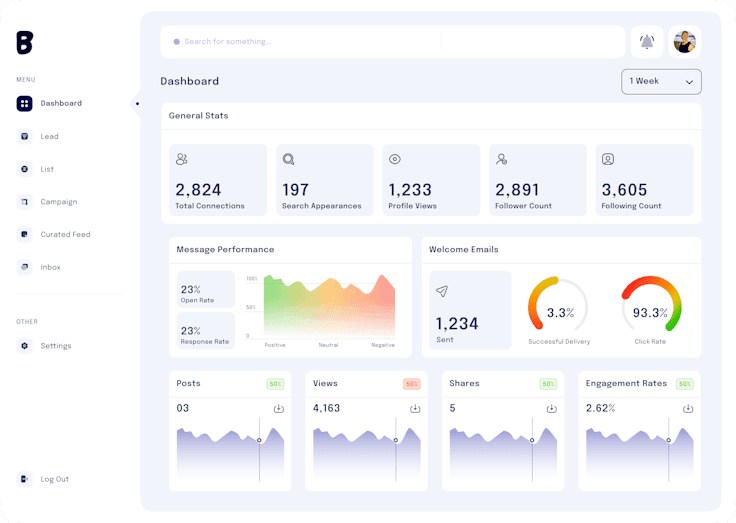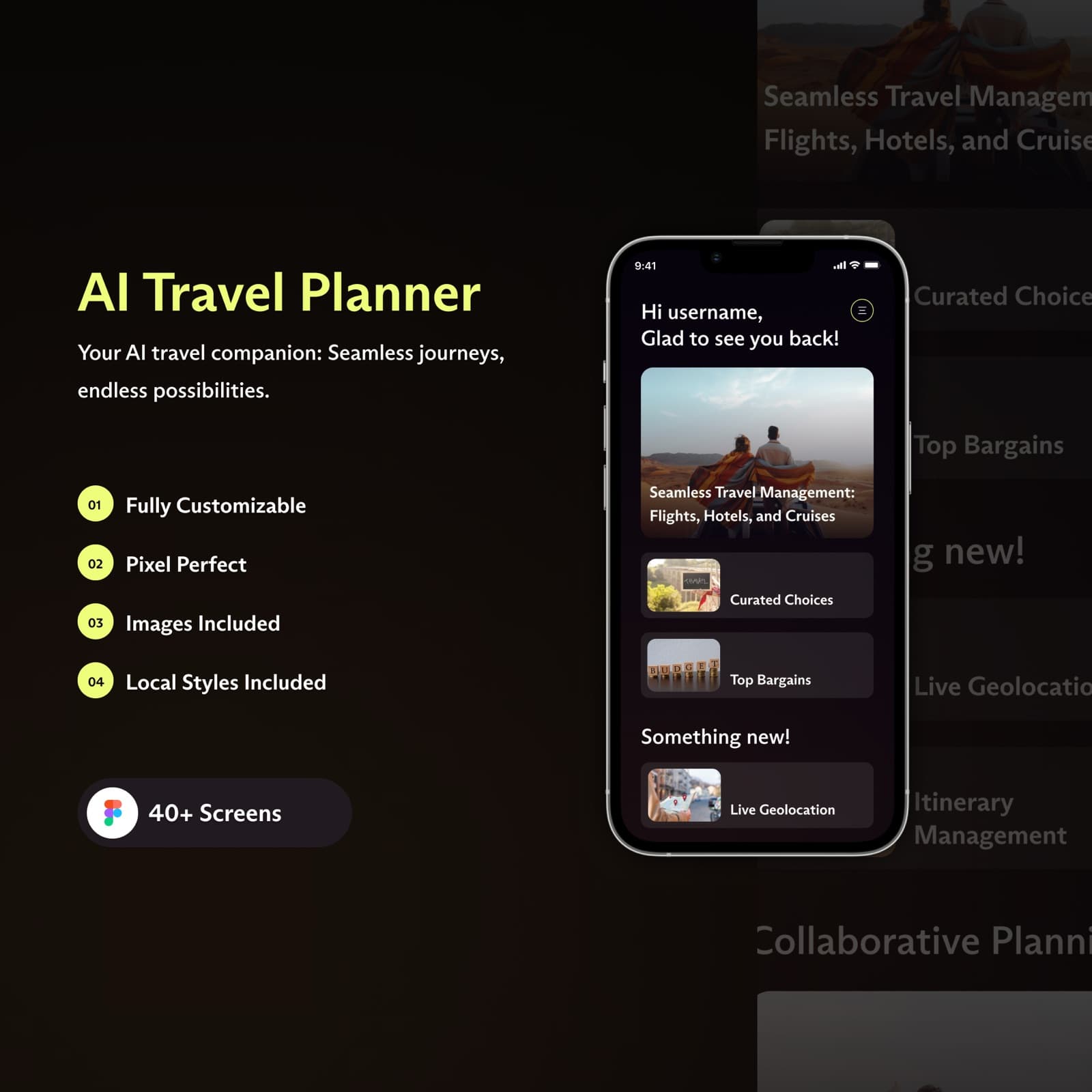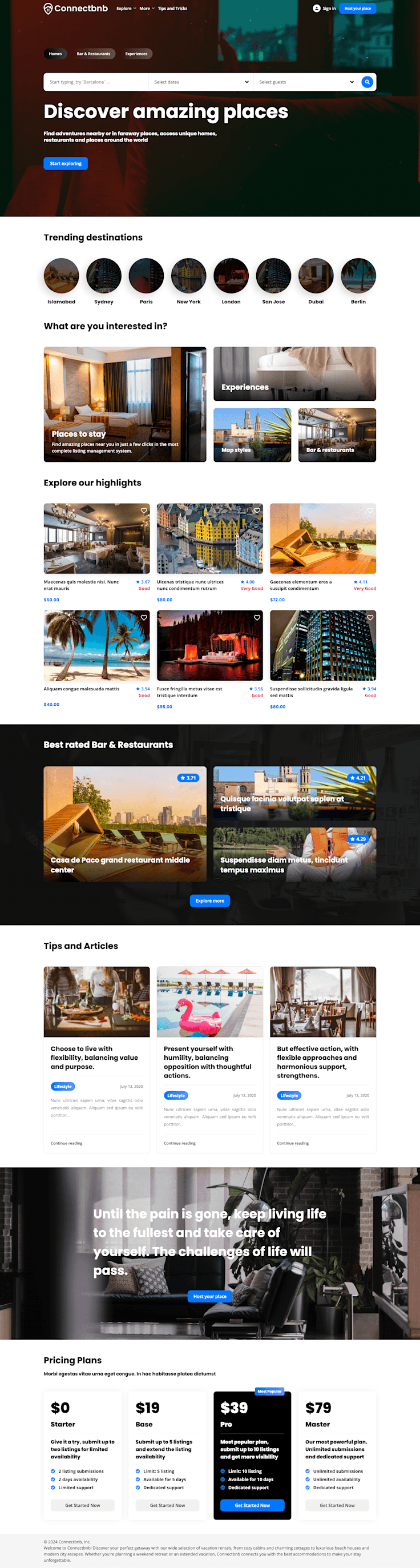
The traditional wall between design and engineering is the graveyard of digital product velocity. Designers spend weeks perfecting pixel-precise mockups, only to watch developers produce an application with mismatched padding, inconsistent fonts, and janky mobile layouts. The solution is not more QA tickets; the solution is aligning the designer's canvas with the developer's mental model.
1. The Cost of Broken Handoffs
When designers use absolute positioning, unconstrained layers, and ad-hoc color pickers in Figma, developers are forced to guess margin values and flex behaviors. Every guessed value is a bug in the making.
A modern handoff is not an export of PNGs; it is a shared architectural language between Figma and code.
2. Think in Code: Autolayout is Flexbox
Figma's Autolayout feature maps 1:1 with CSS Flexbox:
• Horizontal Direction = `flex-direction: row`
• Vertical Direction = `flex-direction: column`
• Gap = `gap: {n}px`
• Hug Contents = `width: fit-content`
• Fill Container = `flex: 1 1 0%`
When designers construct screens strictly with Autolayout, frontend developers can inspect and translate layouts into Tailwind CSS in minutes with zero guesswork.
3. Semantic Variables & Design Tokens
Never hand off raw hex codes like `#3B82F6`. Define semantic tokens in Figma (e.g. `color.primary.default`, `spacing.card.padding`) that mirror CSS variables in `globals.css`.
This enables effortless dark/light theming, ensures brand consistency across platforms, and eliminates thousands of lines of duplicated stylesheet rules.
4. Designing for Real Component States
Developers don't just build the 'ideal state' where every card has a 2-line title and a high-res image. Production requires:
• Loading skeleton states
• Error and offline states
• Empty states with onboarding triggers
• Extreme text overflow truncation
Providing these states in Figma component variants prevents developer improvisation during sprint crunches.
Conclusion
When your design team designs like developers build, and your developers build with reverence for design craft, you ship digital products twice as fast with zero visual compromises.
Want production-ready Figma design systems?
Learn how Codiest crafts developer-ready Figma UI kits and design tokens tailored for rapid implementation.